Ask the assistant a question
Ask Radr’s assistant about your buildings in plain language, for example which one used the most energy last week, and read an answer built from your own readings.
Steps
Step 1: Open Copilot
Choose Copilot in the navigation. Conversations lists your past questions, and a new conversation suggests a few to start from.
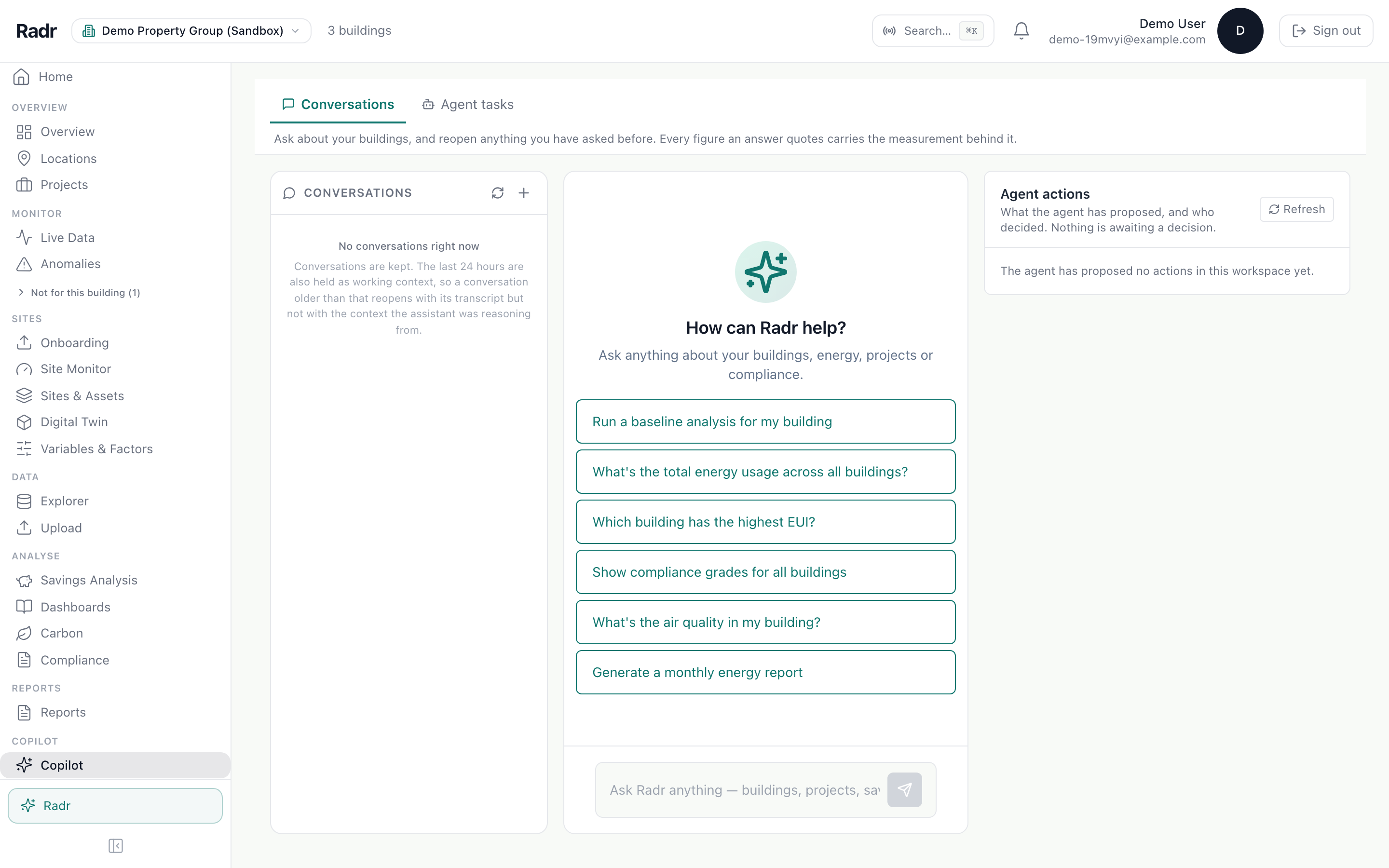
Step 2: Ask your question
Type the question as you would ask a colleague, naming the building or period if it matters.
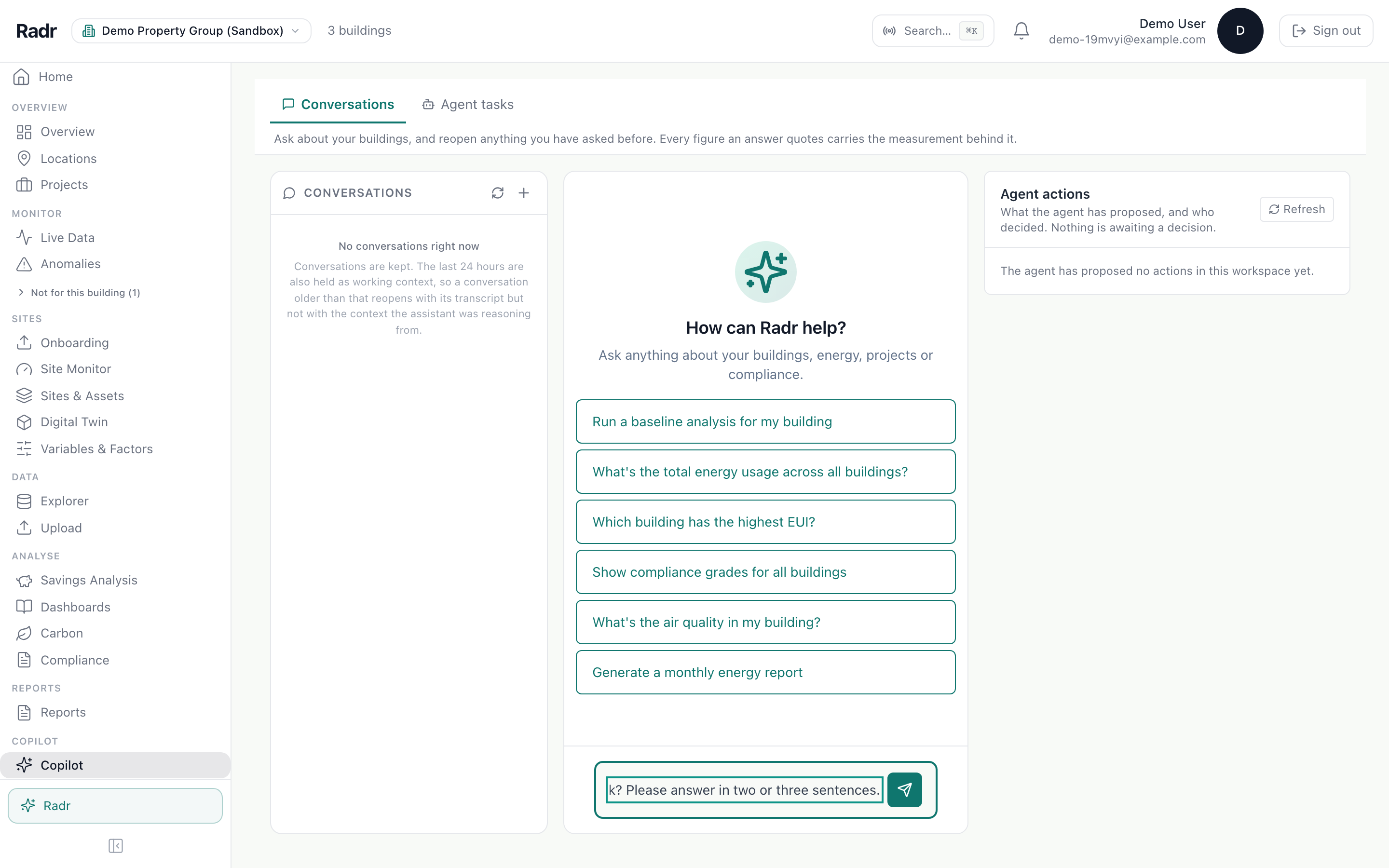
Step 3: Read the answer
Press Enter or choose the send button. The assistant looks up your readings before it answers, which can take a little while, and says what it looked at.
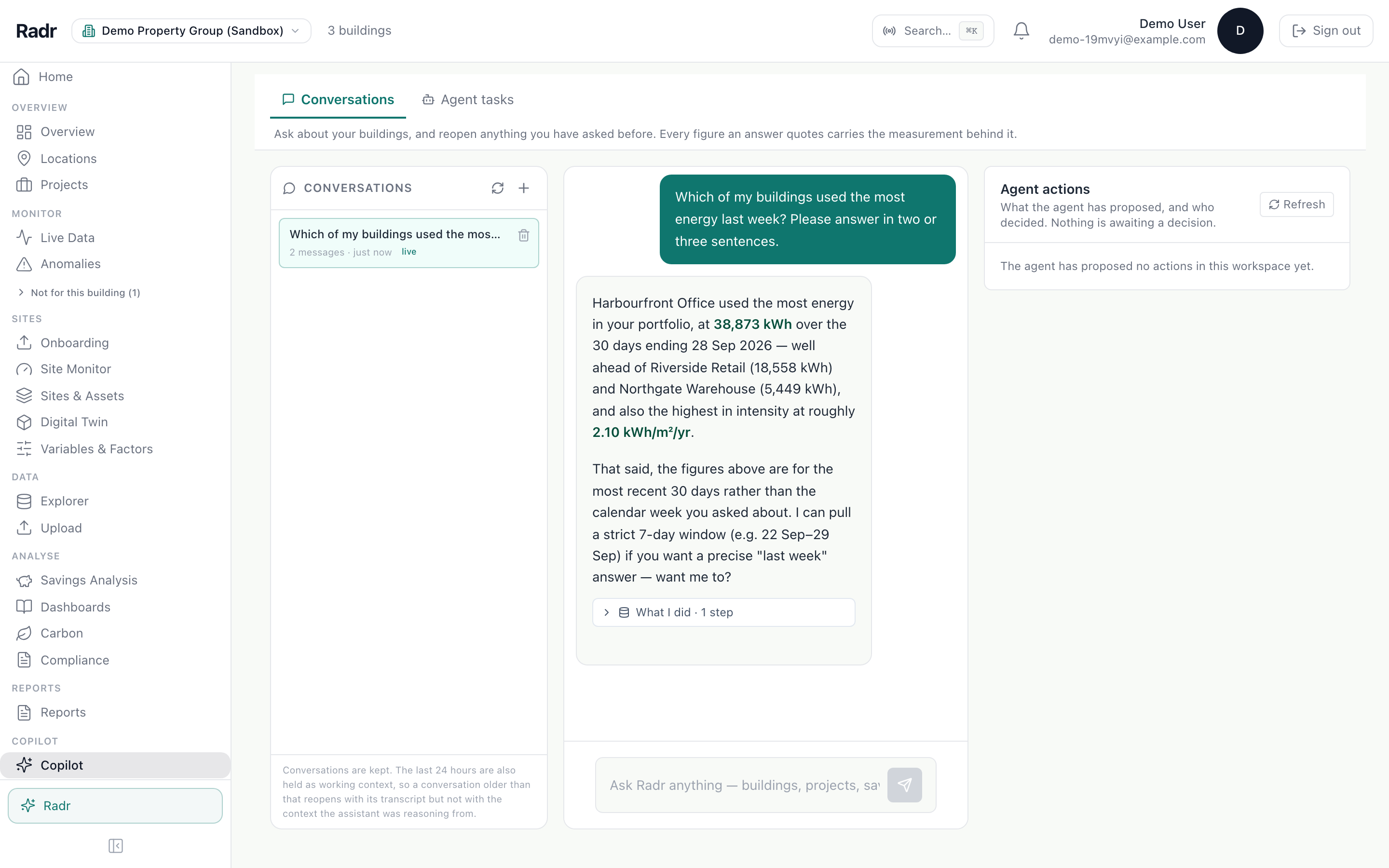
What you’ll see
- If the assistant proposes a change, it waits under Agent actions until someone allowed to make it confirms it.
Troubleshooting
- The answer is vague.
- Name the building, the measurement and the period in the question.
- It takes a while to answer.
- It reads your data before answering; broader questions take longer.
Last verified against Radr on 28 September 2026. Screenshots show the real product with a simulated estate; every name and reading in them is invented.
Turn on the daily brief
Let Radr’s assistant keep watch over your buildings and write a short brief each morning about the day before, shown on Home and emailed to your admins.
Alerts and the daily briefRead the Overview
Use the Overview to see one building’s energy over a period you choose: the total, the daily trend and which kinds of equipment used it, with each figure’s basis.
MonitoringGenerate a report
Generate a PDF or slide deck in Reports: choose the building, the report type and the period, then download it, or schedule it for regular delivery.
Savings and M&VStuck on a step?
Tell us which guide and which step, and we will help, then fix the guide.